
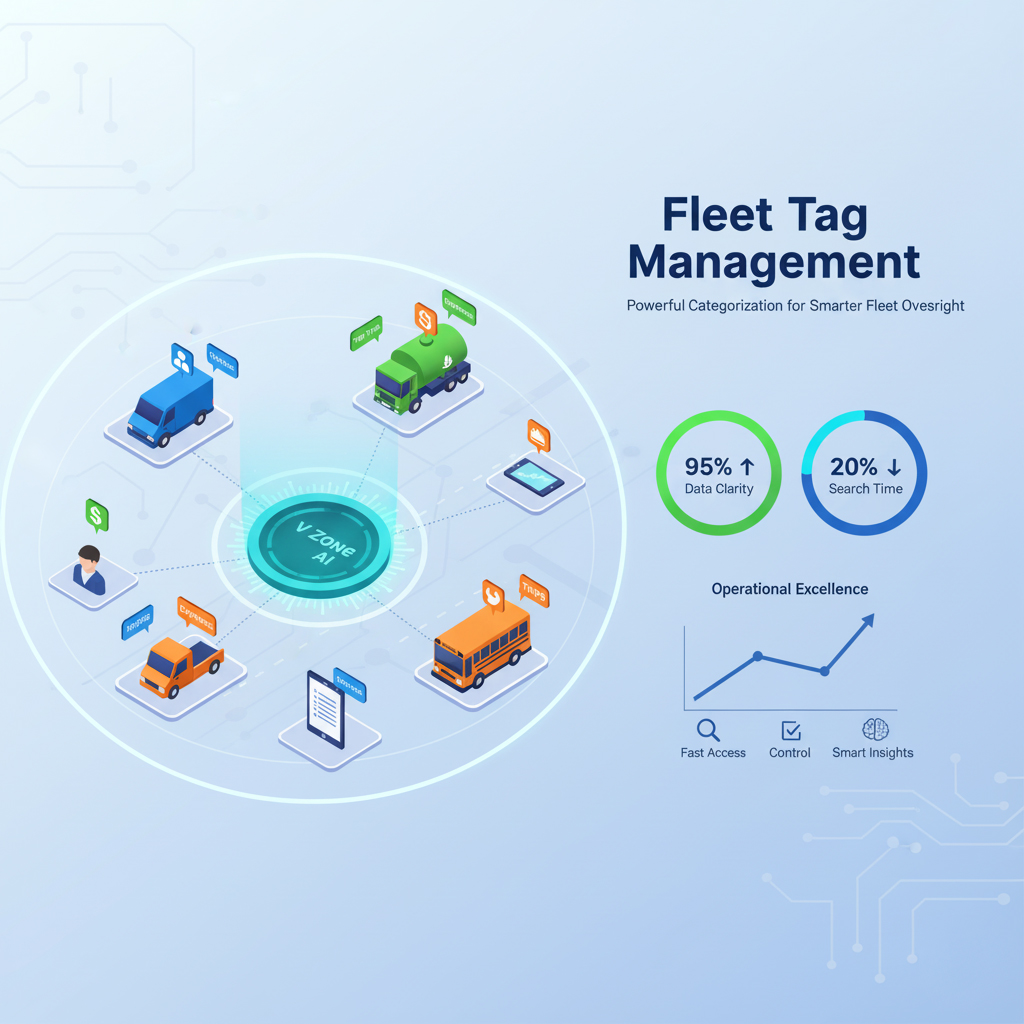
Fleet Tag Management
Powerful Categorization for Smarter Fleet Oversight
As fleets grow, the data grows faster vehicles, trips, drivers, expenses, clients, projects, and shifts multiply into thousands of records that become impossible to navigate without structure. Searching through flat lists and generic dashboards wastes time and buries the insights you need.
V Zone’s Fleet Tag Management lets you categorise every vehicle, trip, driver, expense, and alert with custom hashtags then filter, report, and trigger alerts based on those tags instantly. The result: 70% faster reporting, tag-based alerting, and operational clarity across your entire fleet.
🧠 What Is Fleet Tag Management?
Fleet Tag Management is the strategic use of custom hashtags and metadata to organise, filter, and report on fleet activity. From route types and driver roles to job priorities, client names, and project codes tags create instant visibility across your fleet ecosystem. Instead of scrolling through thousands of records, you search by tag and get exactly the data you need in seconds.
🛠️ Key Features
V Zone’s tag management combines custom hashtag allocation, smart filtering, tag-based reporting, conditional alerts, and live tracking into one system giving fleet managers a flexible categorisation layer across every module:
🏷️ Custom Hashtag Allocation
- Tag vehicles, drivers, trips, or services by department, client, project code, region, or urgency level.
🔍 Smart Filtering & Dashboards
- Instantly filter dashboards, trip logs, fuel reports, and maintenance views by any tag combination.
📋 Tag-Based Reports
- Generate reports filtered by specific tags like #ProjectAlpha, #VIPClients, or #CriticalDeliveries.
📈 Performance by Tag
- Compare driver, vehicle, or cost performance across tagged groups by shift, region, or job type.
🔔 Tag-Based Alerts
- Set conditional alerts linked to tags overtime on #WeekendShift, overspeeding on #HighPriority.
📍 Live Tag-Based Tracking
- Watch tagged vehicles or jobs on the live map ideal for monitoring VIP deliveries or sensitive ops.
⚙️ Setup Process
V Zone’s tag system is deployed in four steps from operational assessment to full platform integration and team training:
-
Assess Your Operations
We analyze your workflow and categorize fleet activity based on your business logic. -
Define Smart Tag Structure
Work with your team to create a hierarchy of tags aligned with your goals. -
Integrate into Platform
We deploy tag filters into dashboards, reports, and notifications for full control. -
Train & Launch
We ensure your teams are equipped to use tags effectively for real-time insights.
📈 Real Benefits
Fleet tag management delivers measurable improvements in reporting speed, driver allocation, delivery accuracy, and operational accountability:
- ✅ 70% faster data filtering and report generation
- ✅ 40% improvement in task-based driver allocation
- ✅ 30% fewer tracking errors for time-sensitive deliveries
- ✅ Clearer accountability and cost breakdowns by project, client, or shift
🏭 Use Case: Construction Logistics
A construction logistics company used V Zone’s tag management to organise 150+ vehicles across 20 project sites:
- Tags used: #SiteA, #SiteB, #NightShift, #BulkDelivery, #Concrete, #ClientABC
- Result: Simplified reporting by project, easier billing per site, and better route scheduling based on shift timing and material type
Results based on client deployment. Actual outcomes vary by fleet size and tag complexity. All claims should be verified with V Zone.
🧩 Popular Use Cases
Fleet tag management is most valuable for operations that need to segment fleet data by client, contract, region, shift, or department without building separate dashboards for each:
- Multi-client fleet operations tag trips and costs per client for billing
- Facility management with split operations tag teams by building or zone
- Logistics with time-sensitive SLAs tag deliveries by urgency level
- Fleets with multiple contract types or regional hubs
- Government or NGO fleets serving multiple departments
🤝 Before vs. After V Zone Tag Management
The gap between untagged fleet data and V Zone’s structured tag system shows up in search speed, grouping capability, reporting precision, and decision-making agility:
| Before V Zone | After V Zone |
|---|---|
| Manual filtering through Excel sheets | Smart dashboard filters by tag |
| Difficult to group by urgency or client | Instant grouping by #Urgent, #ClientXYZ |
| Reports lacked job-specific visibility | Tag-filtered insights per project or shift |
| Driver allocation by guesswork | Allocate by #NightShift, #DayShift, #Region |
| Delayed decision-making | Real-time visibility with intelligent tagging |
🔐 Why It Matters
When every trip, expense, alert, and driver action is connected to a strategic tag, your decision-making becomes faster and more precise. Tags turn raw fleet data into operational intelligence filterable, reportable, and actionable in real time.
🧠 Why V Zone?
V Zone’s tag management is integrated into the fleet platform alongside GPS, fuel, driver behaviour, maintenance, and compliance modules so tags don’t just label data, they unlock cross-module insights:
- 15+ years of fleet system design expertise
- Advanced analytics layered with real-time tag-based filtering
- Seamless integration with reporting, alerts, and dashboards
- Custom training to help your team manage tags effectively
- Enterprise-ready with role-based access controls
🚀 Start Tagging Smarter
Turn complexity into clarity.
Let’s design a tag system that brings your operations into sharper focus.
💬 FAQs
What can I tag in V Zone?
You can tag virtually any entity in the V Zone platform vehicles, drivers, trips, routes, expenses, maintenance events, alerts, and service records. Tags are custom text labels (like #NightShift, #ClientABC, #ProjectAlpha, #ColdChain, or #VIP) that you define based on your business logic. Once tagged, those entities can be filtered, grouped, and reported on across dashboards, reports, and alert rules. There is no limit to the number of tags you can create, and each entity can carry multiple tags simultaneously.
Can I set alerts based on tags?
Yes. V Zone supports tag-based conditional alerts. For example, you can create an alert that triggers when any vehicle tagged #WeekendShift exceeds the speed limit, or when a driver tagged #Probation enters an unauthorised geofence, or when fuel consumption for trips tagged #LongHaul exceeds a threshold. Tag-based alerts are configured in the alert builder and can be routed to specific managers or teams based on the tag so the right person gets the right notification without being overwhelmed by alerts from unrelated fleet segments.
Can I generate reports filtered by tags?
Yes. V Zone’s reporting engine supports tag-based filtering across all report types trip reports, fuel reports, driver scorecards, maintenance logs, cost breakdowns, and compliance summaries. You can generate a report that shows only trips tagged #ClientABC, or compare fuel spend between #DayShift and #NightShift, or view maintenance costs for all vehicles tagged #HeavyDuty. Reports can be scheduled for automatic delivery (daily, weekly, monthly) with tag filters pre-configured so stakeholders receive only the data relevant to their scope.
How is this different from grouping vehicles by type or department?
Traditional grouping (by vehicle type or department) is static and one-dimensional a vehicle belongs to one group. Tags are flexible and multi-dimensional a single vehicle can be tagged #ColdChain, #NightShift, #ClientABC, and #ProjectAlpha simultaneously. This means you can slice the same data from different angles without creating separate groups for every combination. Tags also apply to trips, drivers, expenses, and alerts not just vehicles giving you cross-entity visibility that static grouping cannot provide.
How long does it take to set up a tag structure?
A typical tag structure takes 1–2 weeks to design and deploy. During the first phase, V Zone’s team analyses your operational workflow client contracts, shift patterns, regional hubs, vehicle categories, and reporting needs and proposes a tag hierarchy. Once approved, tags are deployed into your dashboards, reports, and alert rules. Team training is included so that dispatchers, fleet managers, and analysts know how to apply, search, and report using tags from day one. For smaller fleets, setup can be completed in under a week.