
Trip & Playback
Every Trip Recorded. Every Detail Unlocked.
You can’t manage what you can’t see. Unverified delivery claims, unauthorised detours, suspicious stops, missed SLAs, and accident disputes all require one thing: a clear, timestamped record of what actually happened on the road. Without trip playback, those answers live in driver memory not in your system.
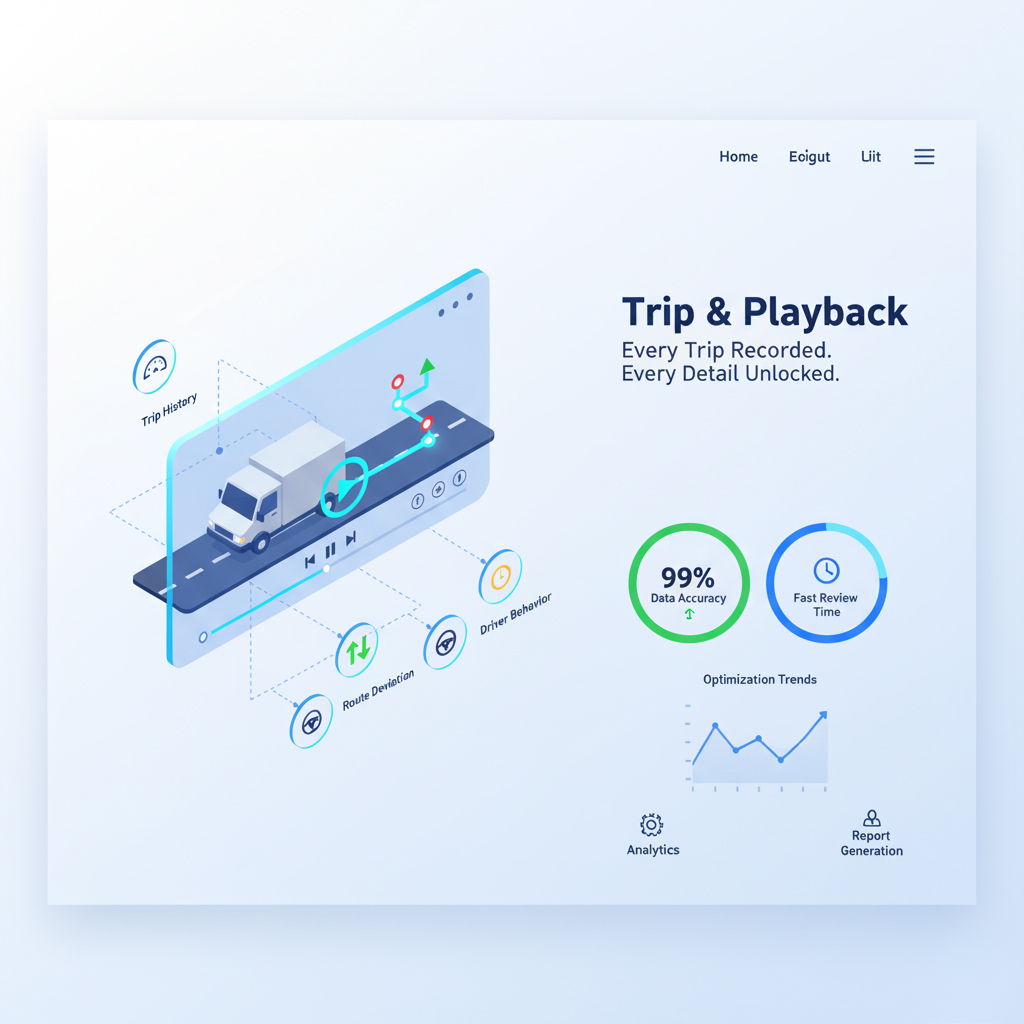
V Zone’s Trip & Playback module records every vehicle journey with GPS precision including speed, stops, idle time, route deviations, and violation markers. Replay any trip on an interactive map with a timeline slider, compare actual vs planned routes, and export audit-ready reports for SLA proof, dispute resolution, and driver coaching.
🎯 Why Trip & Playback Matters
Without trip history, fleet operations run on trust instead of data. Delivery claims go unverified, driver misuse stays hidden, SLA misses are discovered too late, and accident timelines are impossible to reconstruct:
- Unverified delivery or service visit claims
- Driver misuse personal errands, unauthorised stops
- Missed SLAs and delayed trips with no clear cause
- Inability to reconstruct accident or incident timelines
- No data for driver coaching or route improvement
🧭 What It Tracks
V Zone’s trip module records eight data points for every vehicle journey from start/end times and distance to speed profiles, stop durations, route deviations, and idle analysis:
| Element | What You See |
|---|---|
| Trip Start & End Time | Exact time and GPS location of ignition on/off |
| Trip Count | How many trips per vehicle, per day or period |
| Distance Traveled | Total kilometres with map route replay |
| Stop Locations | Each stop’s time, duration, and GPS coordinates |
| Speed Profile | Speed trend across the trip, violations, and slow zones |
| Route Deviations | Missed, skipped, or unauthorised route changes |
| Idle & Delay Time | Where and how long each idle event lasted |
| Playback Timeline | Interactive map with timeline slider play, pause, scrub |
🧠 AI-Powered Trip Intelligence
V Zone’s AI engine doesn’t just record trips it analyses them. The system automatically flags anomalies, compares actual vs planned routes, and assigns a performance grade to each trip:
- Flags trips with anomalies, unexplained stops, or excessive delays
- Compares actual route against planned route highlights deviations
- Detects start/end location mismatches (vehicle didn’t return to base)
- Assigns a performance grade to each trip based on time, fuel, and compliance
- Learns from repetitive patterns identifies regular delays at specific POIs
📈 Reports & Insights
V Zone generates downloadable trip reports with filters by driver, vehicle, date range, and route exportable in Excel and PDF for operations, compliance, and finance teams:
- Trip count per driver or vehicle
- Average trip distance and duration
- Trip delays, stops, and idle time analysis
- Route deviation and SLA miss reports
- Fuel consumption per trip linked to fuel monitoring module
🔌 Integrated With
V Zone’s trip module connects to other platform modules for cross-data intelligence linking trip records to routes, driver scores, fuel consumption, and SLA compliance:
Connected with Route Planning
- compare actual trip vs planned route
Driver Scorecard
- Trip behavior feeds into driver KPIs.
Compliance & SLA Monitoring
- Proof of delivery, trip proof, and time adherence.
Fuel Analytics
- trip-based fuel consumption and anomaly detection
🏭 Real Use Cases
V Zone’s trip playback adapts to the specific verification and audit requirements of each industry from high-volume delivery replay to public transport scheduling and cold chain route verification:
🔹 Delivery Fleet (E-commerce):
- Replay 100+ trips daily identified 25% idle time reduction and optimised delivery windows
🔹 Public Transport Fleet:
- Verified arrival delays and improved scheduling accuracy using trip history data
🔹 Cold Chain Operators:
- Trip tracking synced with temperature data to identify spoilage risk zones during transit
🔒 Security & Dispute Resolution
V Zone’s trip playback provides timestamped, GPS-verified proof of every vehicle movement critical for accident reconstruction, customer complaints, insurance claims, and legal disputes:
- Reconstruct exact vehicle path during incidents or complaints
- Timestamped proof of location at any point during any trip
- Share playback exports with insurance, legal, or HR teams
- Protect drivers from false claims with objective evidence
📈 Before vs. After V Zone
The gap between unverified trip records and V Zone’s GPS-logged playback shows up in verification accuracy, dispute handling, idle tracking, and compliance proof:
| Aspect | Before | With V Zone |
|---|---|---|
| Trip Verification | Manual / Unverified | AI-logged with GPS playback |
| Route Deviation | Undetected | Replayed and flagged |
| Proof of Service | Paper logs | Digital timeline and reports |
| Idle Tracking | Rough Estimates | Exact place, time, duration |
| Complaint Handling | Time-consuming | Click-to-replay, exportable |
💪 Why V Zone?
V Zone’s trip playback is integrated into the fleet platform alongside GPS, fuel, driver behaviour, and compliance modules so every trip replay carries full operational context, not just a line on a map:
- 15+ years of fleet intelligence across the UAE and GCC
- AI anomaly detection and trip grading
- Compatible with web dashboard, mobile app, and ERP/TMS integrations
- Multi-fleet monitoring across regions and branches
🚀 Ready to Track Every Trip Like a Pro?
No more guesses. No more gaps.
Let your fleet tell the full story every day, every trip.
💬 FAQs
How far back can I replay trips?
V Zone stores trip history for up to 12 months by default, with extended retention available on request. You can search and replay any trip within the retention period by date, vehicle, driver, or route. Each trip replay includes the full GPS path, speed data, stop locations, idle durations, and any violations that occurred. Older trip data can be exported and archived before the retention window expires, ensuring you always have access to historical records for audits, insurance claims, or long-term trend analysis.
Can I compare a trip against the planned route?
Yes. When V Zone’s Route Planning module is active, the trip playback automatically overlays the planned route against the actual path driven. Deviations are highlighted on the map with colour coding green for on-route, amber for minor deviations, red for significant departures or skipped stops. The comparison report shows the planned distance vs actual distance, planned time vs actual time, and any stops that were added, skipped, or visited out of sequence. This is essential for SLA verification, delivery auditing, and driver accountability.
Does trip playback include speed and violation data?
Yes. Every trip replay includes a speed profile a continuous graph of the vehicle’s speed throughout the journey. Speed violations (exceeding configured thresholds) are marked on both the timeline and the map with red indicators. You can also see harsh braking, sharp turns, and rapid acceleration events if those alert modules are enabled. This data feeds into the Driver Scorecard module, where trip-level behaviour data contributes to the driver’s overall performance score and coaching recommendations.
Can I export trip data for legal or insurance purposes?
Yes. V Zone’s trip reports are exportable in Excel and PDF formats. Each export includes the full GPS path, timestamps, stop locations, speed data, idle durations, route deviations, and violation markers. For legal or insurance cases, the playback can also be exported as a map snapshot with annotated data points (time, location, speed at incident). This provides objective, sensor-verified evidence that is far more reliable than driver statements or witness accounts. Many V Zone clients use trip exports for accident reconstruction, delivery disputes, and HR investigations.
How does AI flag trip anomalies?
V Zone’s AI engine analyses every completed trip against multiple baselines: the planned route (if one exists), the driver’s historical pattern for that route, and fleet-wide averages for similar trips. It flags anomalies including unexplained stops (location not in the route plan and not a known POI), excessive idle time (beyond the configured threshold), route deviations (significant departure from the planned or typical path), start/end mismatches (vehicle didn’t return to the expected base), and time overruns (trip took significantly longer than expected). Flagged trips appear on the dashboard with severity indicators so supervisors can prioritise which ones to review.