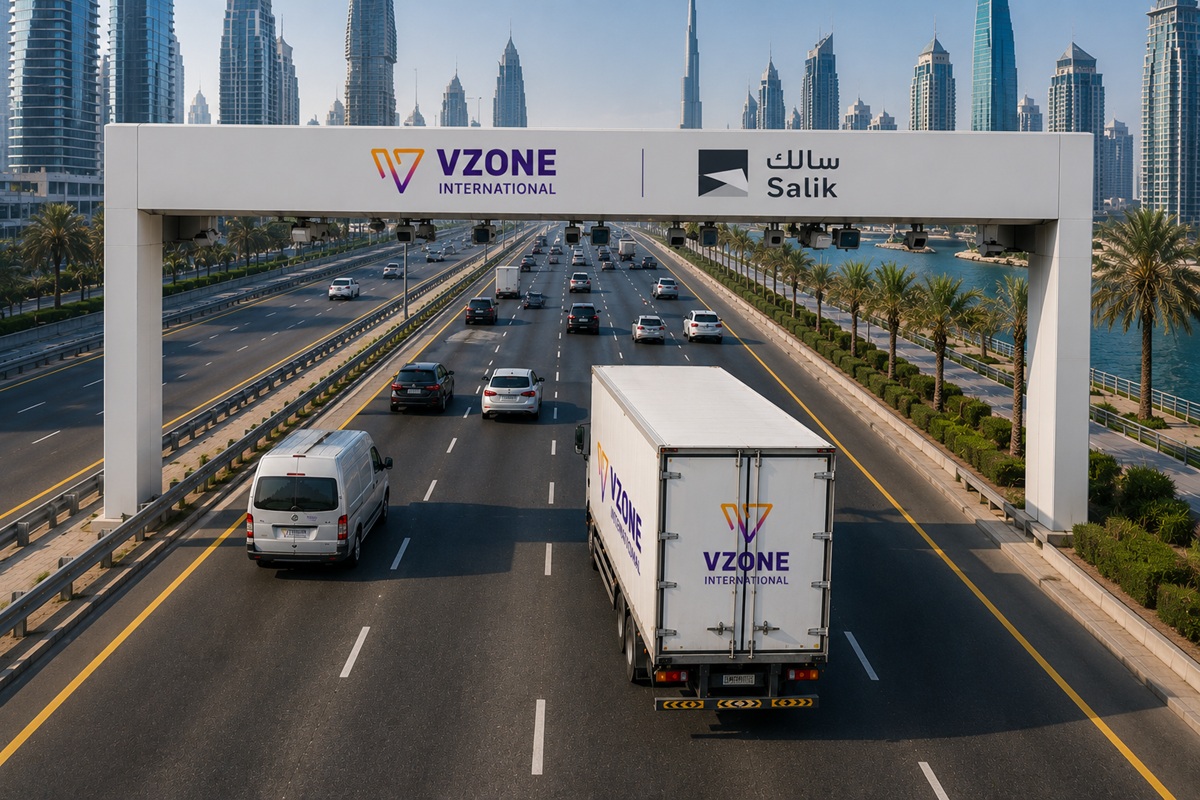
Solution: Salik Toll Monitoring

How to Track Salik Usage by Vehicle and Driver - UAE Fleet Guide (2026)

How to Track Salik Usage by Vehicle and Driver (UAE Fleet Guide 2026)

Tracking Salik usage by vehicle and driver means breaking down a fleet’s total Salik bill into individual crossings attributed to each vehicle and the driver assigned to it at that time. This is done by combining Salik gate-crossing data (timestamp, gate location, charge) with GPS vehicle trip history and driver ID data producing per-vehicle and per-driver toll reports instead of one combined account statement.

Read More »
Salik Monitoring Software - Features Fleet Managers Need (2026)

Salik Monitoring Software: Features Fleet Managers Need (2026)

The core features fleet managers need in Salik monitoring software are: automatic Salik account data sync (no manual statement downloads), GPS-matched per-vehicle and per-driver toll attribution, real-time alerts for unauthorized or after-hours crossings, exportable monthly reports for finance teams, geofencing to cross-reference crossings with assigned job zones, and integration with the existing fleet management platform so toll data is not siloed from GPS and telematics.

Read More »
Salik Toll Monitoring for Fleet Management A Complete Guide (2026)

Salik Toll Monitoring for Fleet Management: A Complete Guide (2026)

Salik toll monitoring is the practice of tracking, reconciling, and controlling Salik toll charges across every vehicle in a fleet, rather than relying on one lump-sum monthly statement. Dubai’s Salik system runs 10 active toll gates with dynamic peak/off-peak pricing (AED 6 peak, AED 4 off-peak, free 1–6 AM) introduced on 31 January 2025. Without dedicated monitoring, fleet managers can’t see which vehicle, driver, or trip generated a given charge. VZone International connects Salik toll data with GPS and telematics so managers get real-time cost visibility per vehicle, per driver, and per route.

Read More »
Scroll to Top